Solutions / Website & online bookings
SOLUTION 06
Online bookings go straight into the system
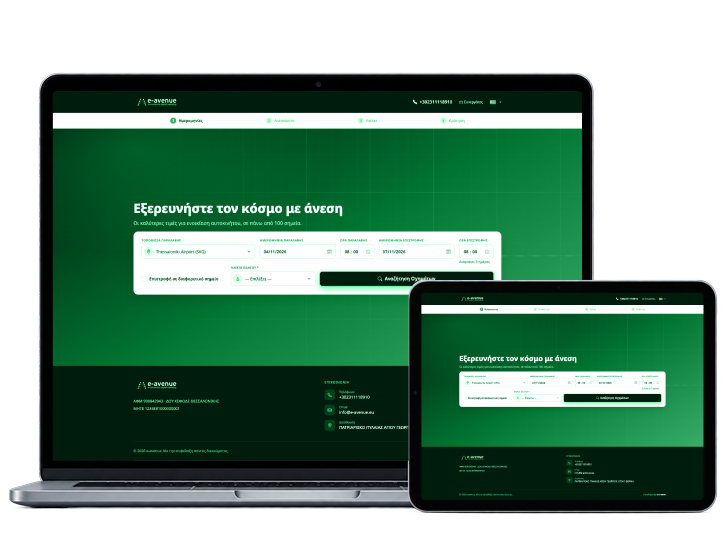
A 4-step booking engine for your website, connected to the rental planner and availability.
- 4-step booking engine
- Website connection
- Bookings with WEB source

THE PROBLEM
From emails and phone calls to bookings that come in on their own
TODAY
Bookings by email and phone
Different details in every place
Out-of-office hours
emailphoneformExcelnoteWITH RENTALBOOK
- Dates, car, extras, booking
- The booking appears in the planner
- Prices and extras from your system
HOW IT WORKS
The customer’s booking, step by step
4-step booking engine
- 1Choose dates and station
- 2Choose vehicle and extras
- 3Booking summary, then on to customer details
CAPABILITIES
Everything you need for online bookings

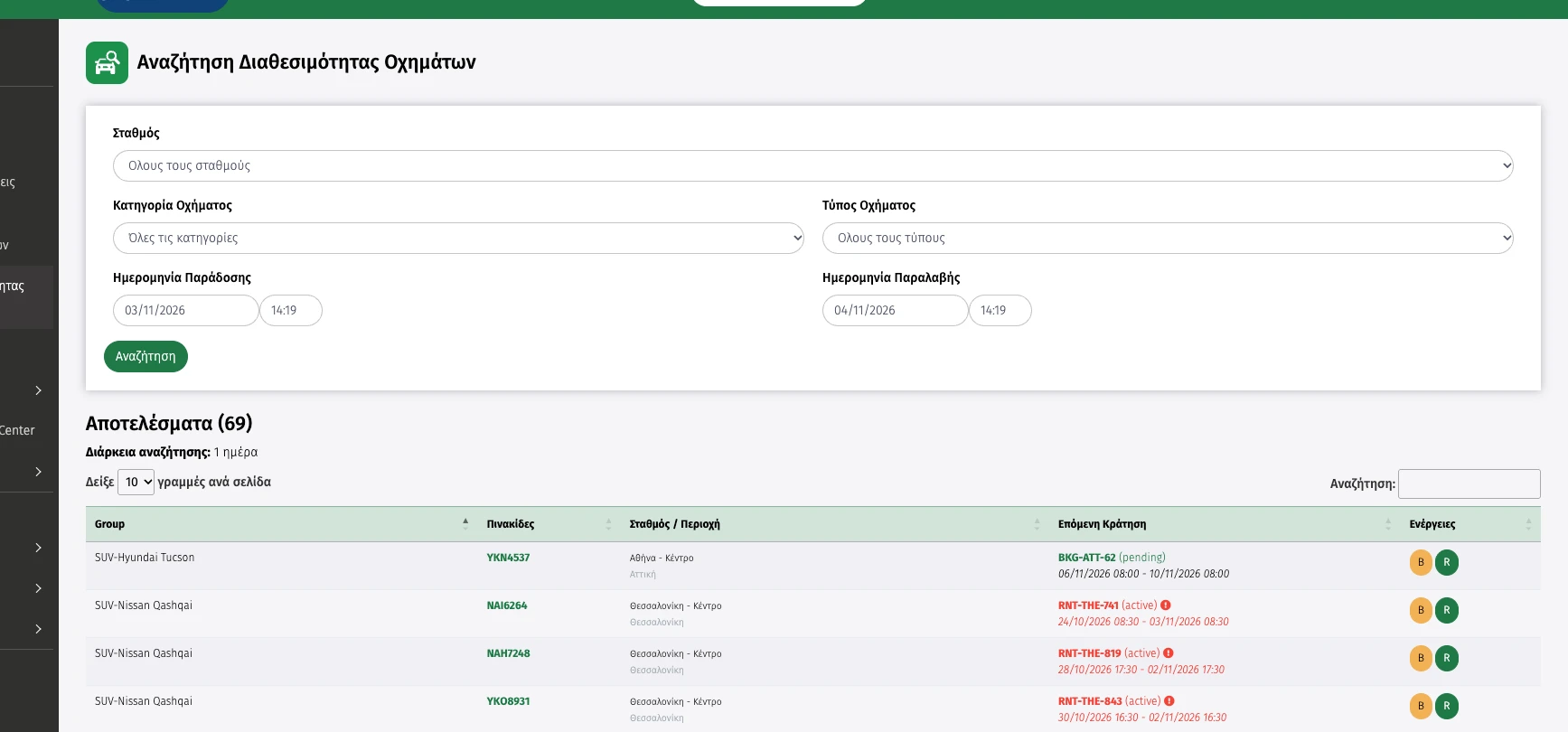
Availability from the system
Customers see the vehicles available for their dates.
Booking engine for your website
Dates, car, extras and booking in 4 steps.
- Dates
- Car
- Extras
Extras and services
Customers add extras, insurance and transfer services, priced per day.
- Extras
- Insurance
- Transfer
Bookings with WEB source
The booking goes into the system and shows with WEB as its source, alongside all the others.
- WEB source
- Rental planner
- Automatic
BENEFITS
What you gain
Bookings around the clock
Customers book whenever they want.
No double entry
The booking is never typed in twice.
The same data everywhere
Vehicles and prices from the same system.
FAQ
Frequently asked questions
The most common questions about online bookings.
How does the Booking Engine work?
Customers choose dates, an available vehicle and extra services, and complete their booking easily in just 4 steps.
Are only available vehicles shown?
Yes. Customers only see the vehicles available for the dates they have chosen, together with the rental prices.
Where do online bookings appear?
Every online booking is entered automatically in RentalBook and appears in the rental planner, alongside all your other bookings.
Can customers choose extra services and insurance?
Yes. While booking, customers can choose extra services, equipment and insurance packages, and see what each one costs.
Didn’t find the answer?
Talk to our support team or see Rentalbook in action, with a demo for your own company.
OTHER SOLUTIONS
Explore these solutions too
SOLUTION 01
Bookings & quotes
Availability search and a 40-day rental planner.
→ See the solution
SOLUTION 02
Pick-ups, returns & contracts
The day’s returns and pick-ups, digital signature on a tablet.
→ See the solution
SOLUTION 03
Fleet & vehicles
Vehicle record with MOT, servicing and a QR code per vehicle.
→ See the solution
SOLUTION 04
Invoicing & AADE
Tax documents with automatic transmission to myDATA.
→ See the solution
SOLUTION 05
Accounting & payments
Balances, incoming tax documents and the daily cash report.
→ See the solution
SOLUTION 06
Website & online bookings
A 4-step booking engine, connected to the rental planner.
→ See the solutionSee RentalBook in your own business
See how it works: from the quote and digital signature to tax documents and reports. The demo is tailored to the way your company works.